Edit and inspect XML
Work in the XML text editor, use structured views, navigate documents, format content, and inspect XPath results.
Explore XML editing XML ValidatorBuddy
Free XML editor for Windows
Request the free personal edition and use the XML ValidatorBuddy Standard feature set for learning, teaching, coursework, and non-commercial personal projects.
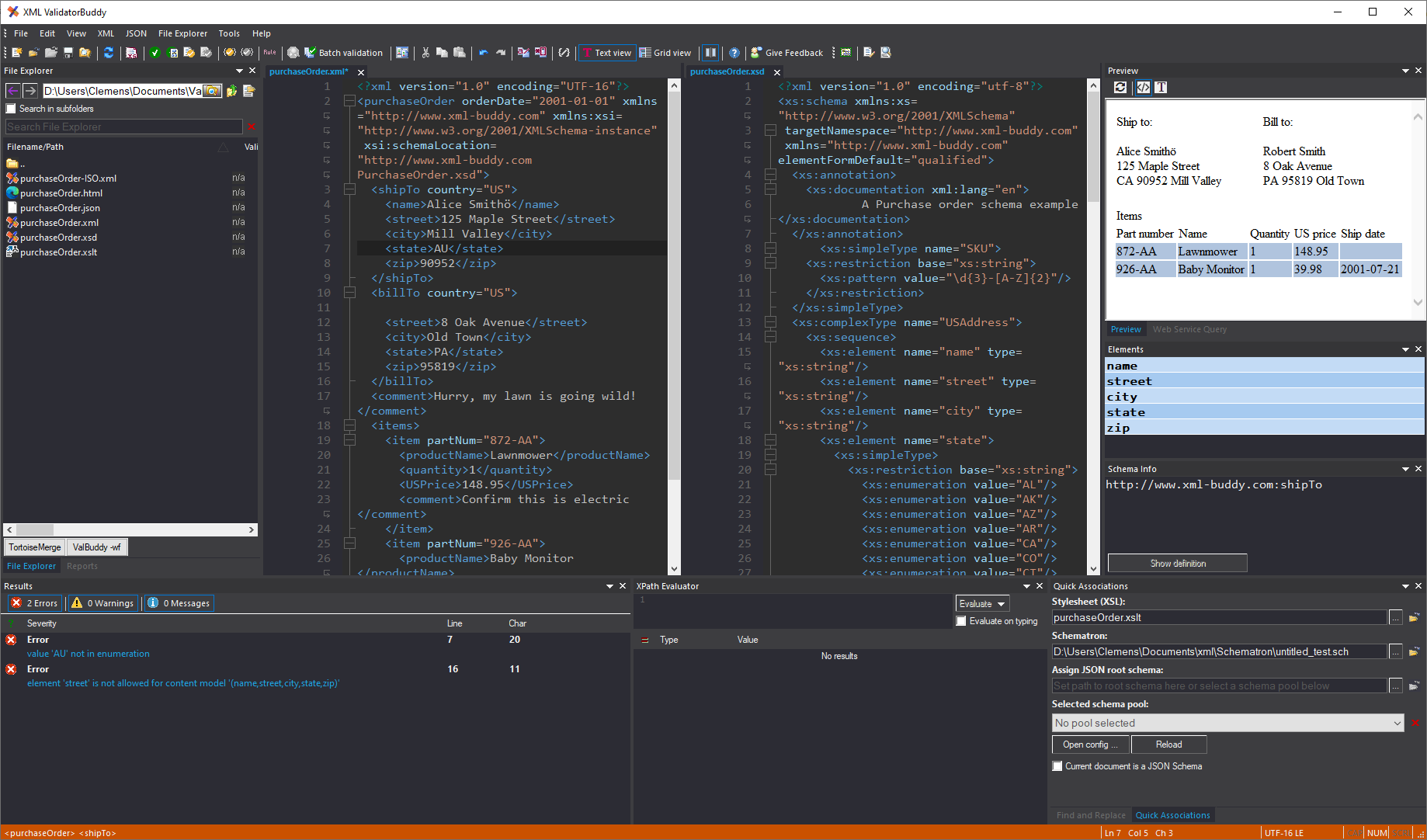
Included features
The free license provides the Standard edition functionality while keeping commercial use reserved for a purchased license. Install the current Windows package first, then use the license key from the request form to activate the personal edition on your computer.
Work in the XML text editor, use structured views, navigate documents, format content, and inspect XPath results.
Explore XML editingCheck XML against XSD, DTD, and Schematron and follow detailed diagnostics back to the affected source.
Explore XML validationUse XML, JSON, CSV, XSLT, batch, and ValBuddy command-line tools for repeatable personal workflows.
Explore ValBuddy CLIFree personal license
Enter your email address to receive a uniquely assigned XML ValidatorBuddy license key for eligible personal or educational use.
Your email address is used only to generate and send your personal license key.
License delivery: keep the emailed key with your installation records so the personal edition can be restored after reinstalling the application. Keep the key private, and move to a commercial license before using the editor for client work, business operations, or any other professional activity.