
Before you start: open the XSD or DTD document in XML ValidatorBuddy and save any pending changes.
Run the schema validation
- Make the schema document the active editor tab.
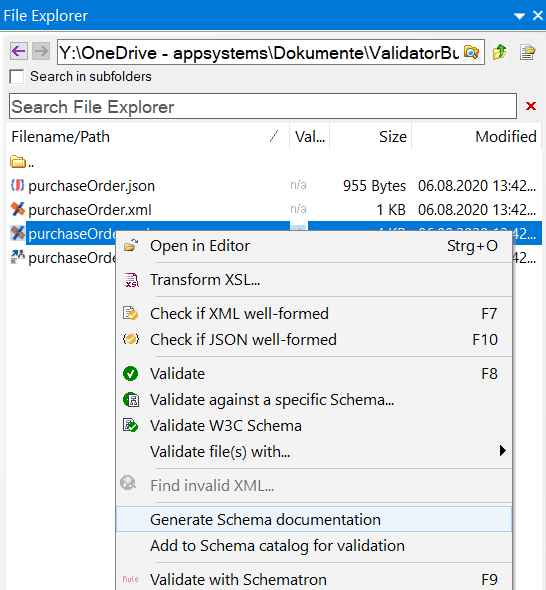
- Choose the command to validate the current XML Schema or DTD document.
- Review the Results window. A successful run confirms that the grammar document itself is valid.
- If an error is reported, open the finding to move to the affected line and character.
Understand what this check covers
This task validates the schema or DTD document itself. It does not prove that a separate XML instance conforms to that schema. To check an instance, use the XML validation workflow and select or associate the required grammar.
| Input | Task | Expected result |
|---|---|---|
| XSD or DTD | Validate the grammar document | Schema/DTD errors or a successful grammar check |
| XML instance | Validate against XSD or DTD | Instance findings linked to document locations |
| XML + Schematron | Apply business rules | Assertions and reports from the selected rules |