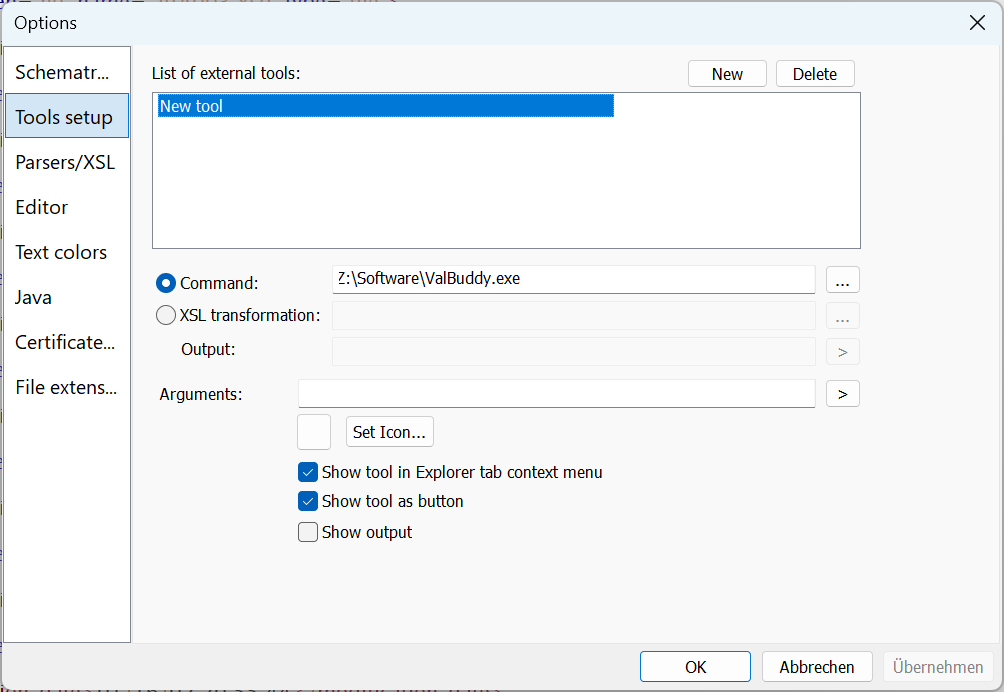
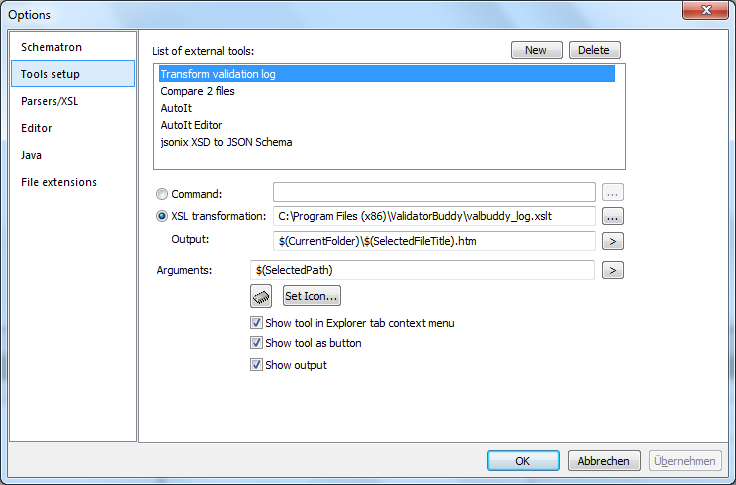
 Please note that you can put the path argument which is passed to the external tool in quotes to avoid problems if the path contains spaces. Several pre-defined variables can be accessed with the ">" button on the right side of the "Arguments" field. One-click XSL transformations are also possible using a custom user-tool. Please note that you should not encapsulate arguments in quotes in this case as the parameters are only used internally and not passed to any external tool. Below is a sample on how to add the simple batch log file XSL transformation which is installed with XML ValidatorBuddy to convert the XML log to HTML output:
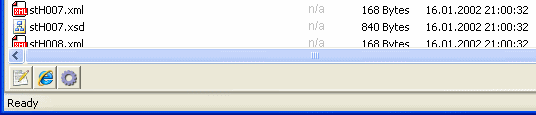
  If "Show tool as button" is checked the custom user-tool will be added as button to the bottom of the File Explorer view. A user-tool can also be invoked by command if the "Show tool in Explorer tab menu" is checked.