
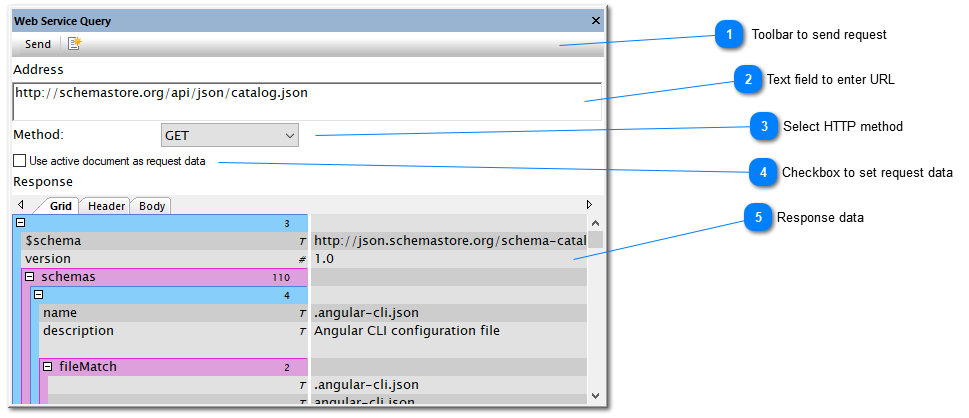
Toolbar to send request
|
| Top |
Text field to enter URL Multi-line edit field to enter the URL. This URL can also contain the HTTP query string parameters. |
| Top |
Select HTTP method Used to select the HTTP verb for the request.
 |
| Top |
Checkbox to set request data On setting this checkbox, the content of the currently active document is sent as additional request data to the URL. This allows to switch quickly between multiple versions of request data by simply changing the active document.
 |
| Top |
Response data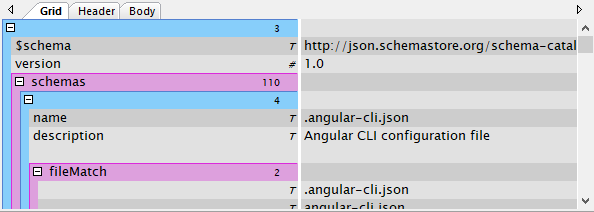 The response field contains the information retrieved from the last HTTP request. If the content is either well-formed XML or JSON, the Grid tab shows the structured data. In any case, the Header and Body tabs are filled with the raw text response.
 |
| Top |